LIVIDOVID
The Retina MacBook
Apple has recently reintroduced the Retina MacBook and it's great. This is one of the most incredible devices I've ever used.
I intend to use the MacBook for emailing and blogging on the go. I don't expect to use it at all for any photography stuff. As part of this review, I'm writing this post on the MacBook to see if it's productive enough for work (it is). Long story short, I wasn't expecting this device to work so well right away (it's really great).
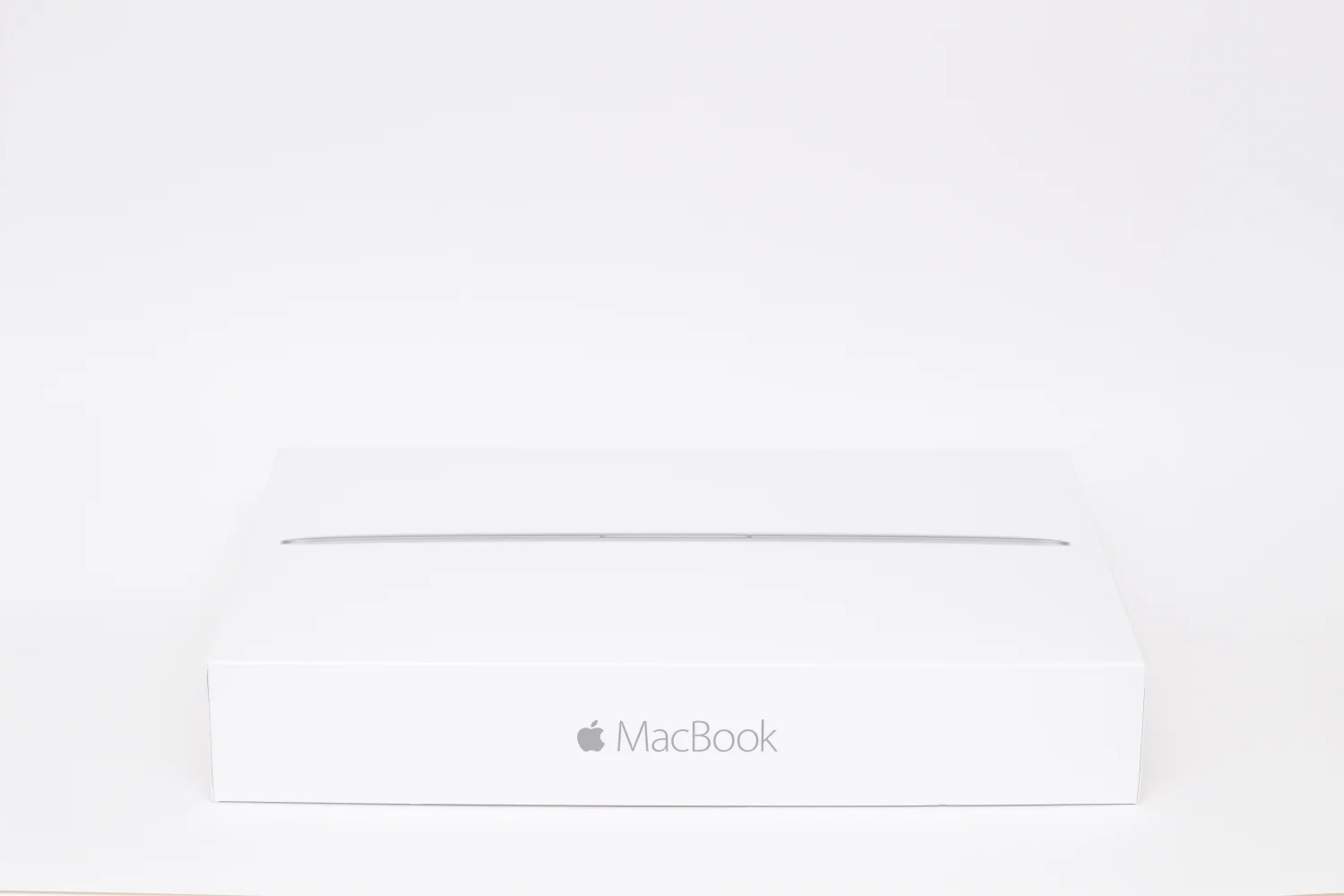
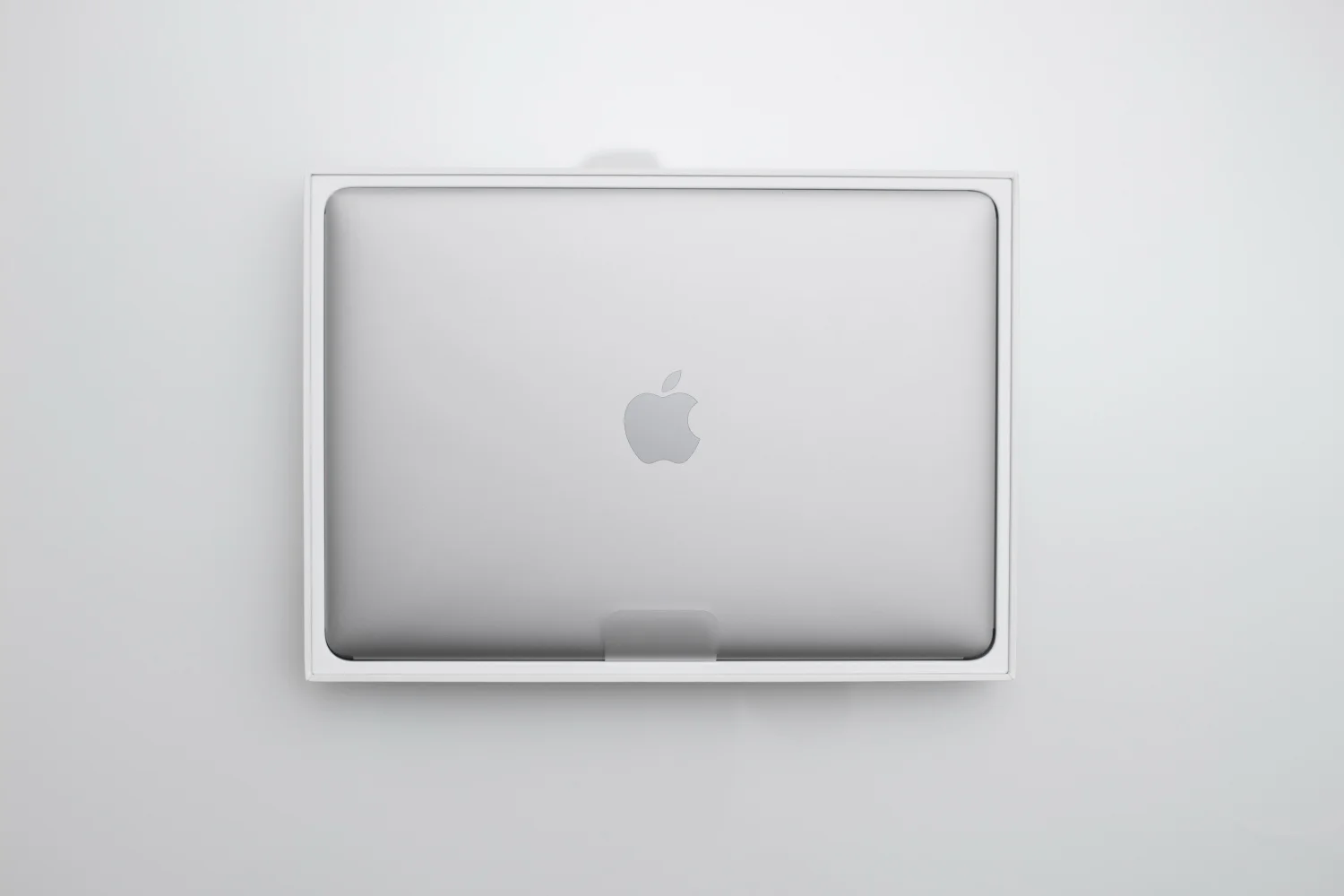
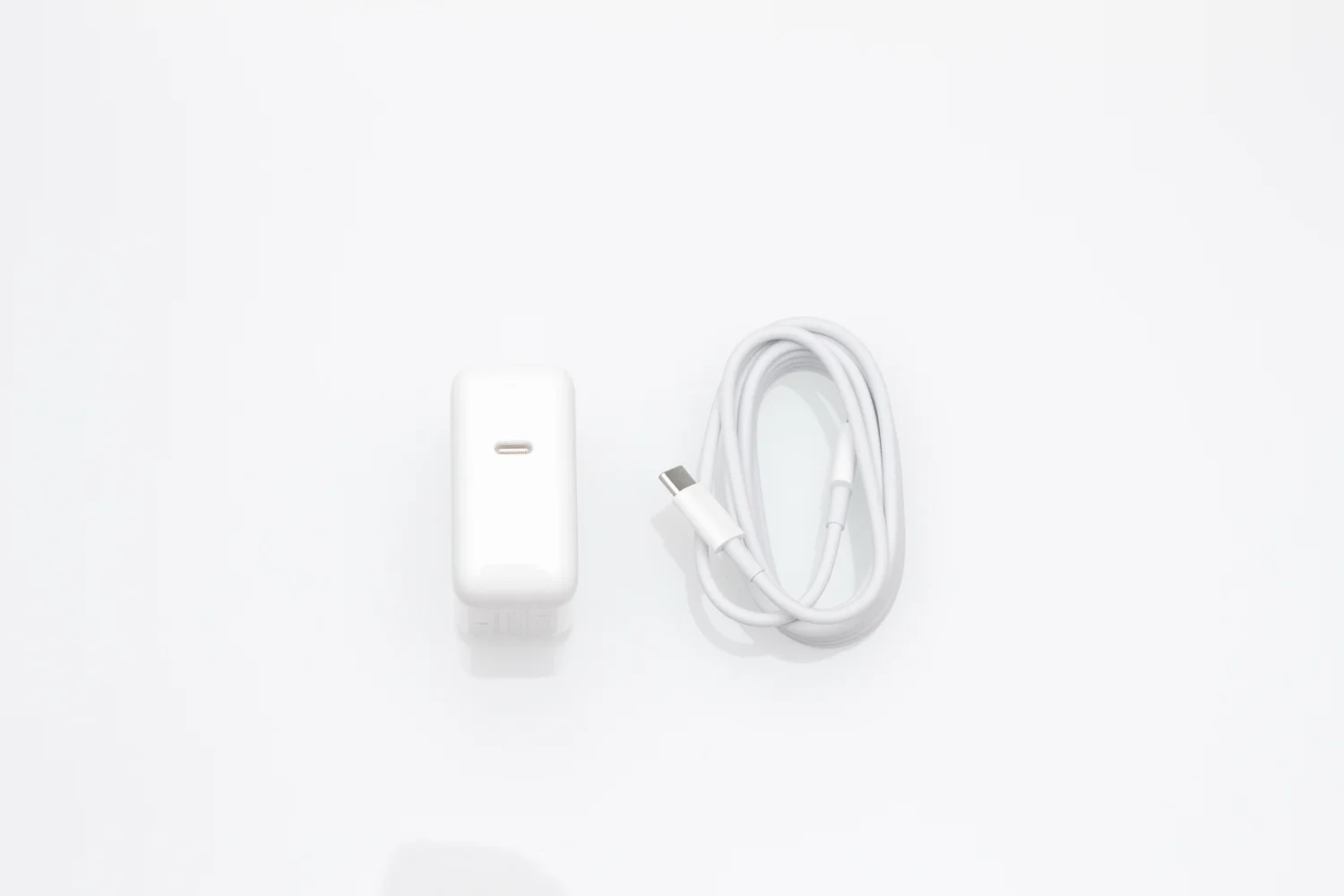
As you'd expect from Apple, the packaging is very neat and straight-forward. The laptop itself is delicately wrapped in plastic and a thin sheet of foam provides a layer of protection between the screen and the keyboard. Unlike the other MacBooks, the rMB uses a USB-C port and charger with its own exclusive charging brick and cable.
When I first picked up the Retina MacBook (rMB), I was immediately reminded of the first generation iPad. It's very solid. The size and weight of the rMB is very similar to the iPad and was just as thin. If you happen to look at the internal components of the rMB, you'll see that it's built very much like the iPad. It makes sense that the rMB is the only MacBook with different color options because it feels more like an iPad Air 2 than it does a MacBook. And I'm pretty sure that's what Apple intended to do.
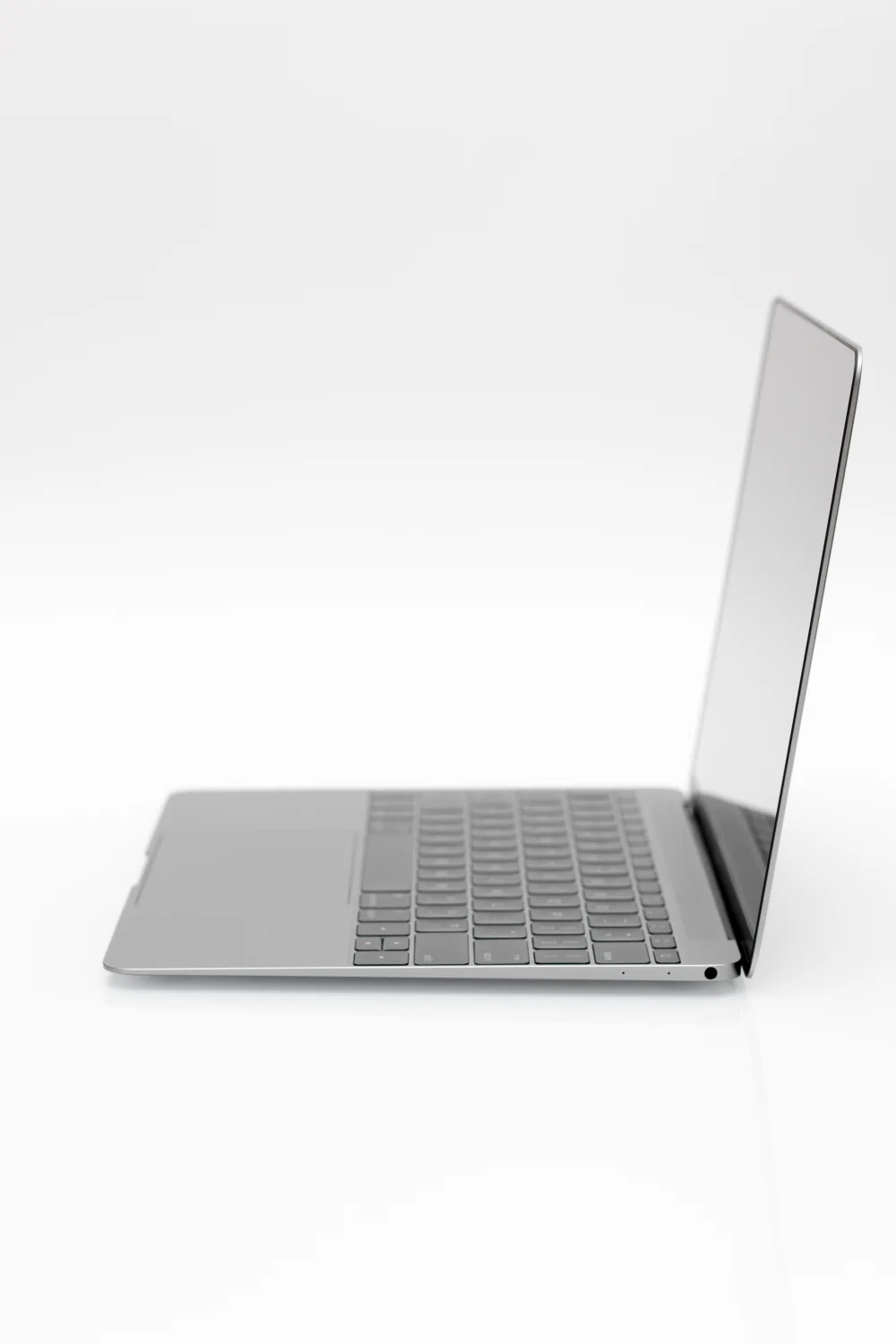
In order to achieve this ridiculous thin design, Apple got rid of all the standard ports except for the headphone jack (thank you) and introduced the USB-C to the world. A lot of people were quick to criticize this but if the rMB is meant to be like a laptop version of the iPad, then it kind of makes sense.
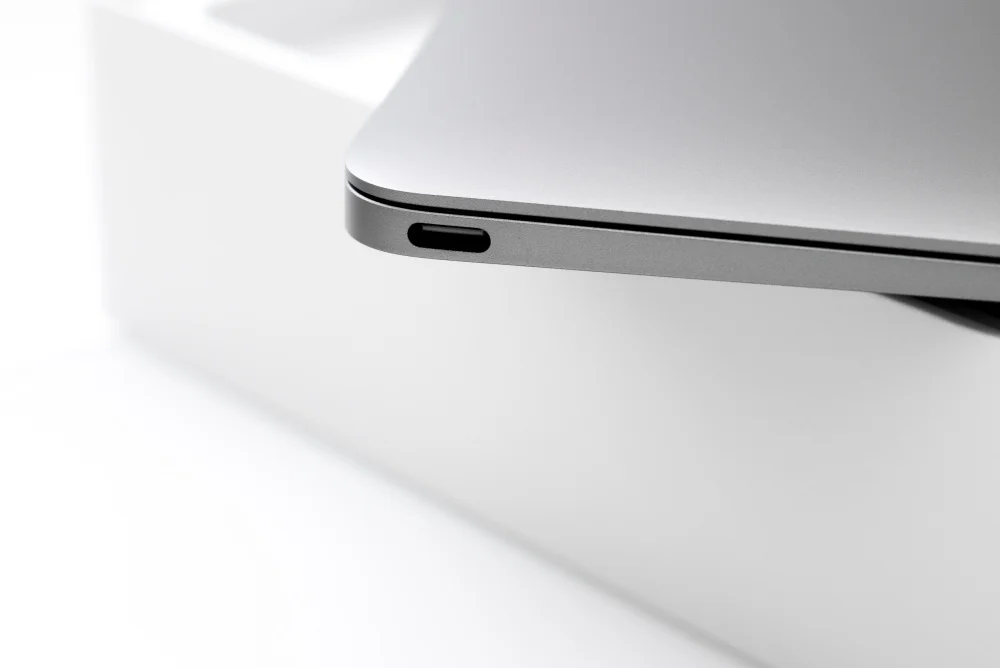
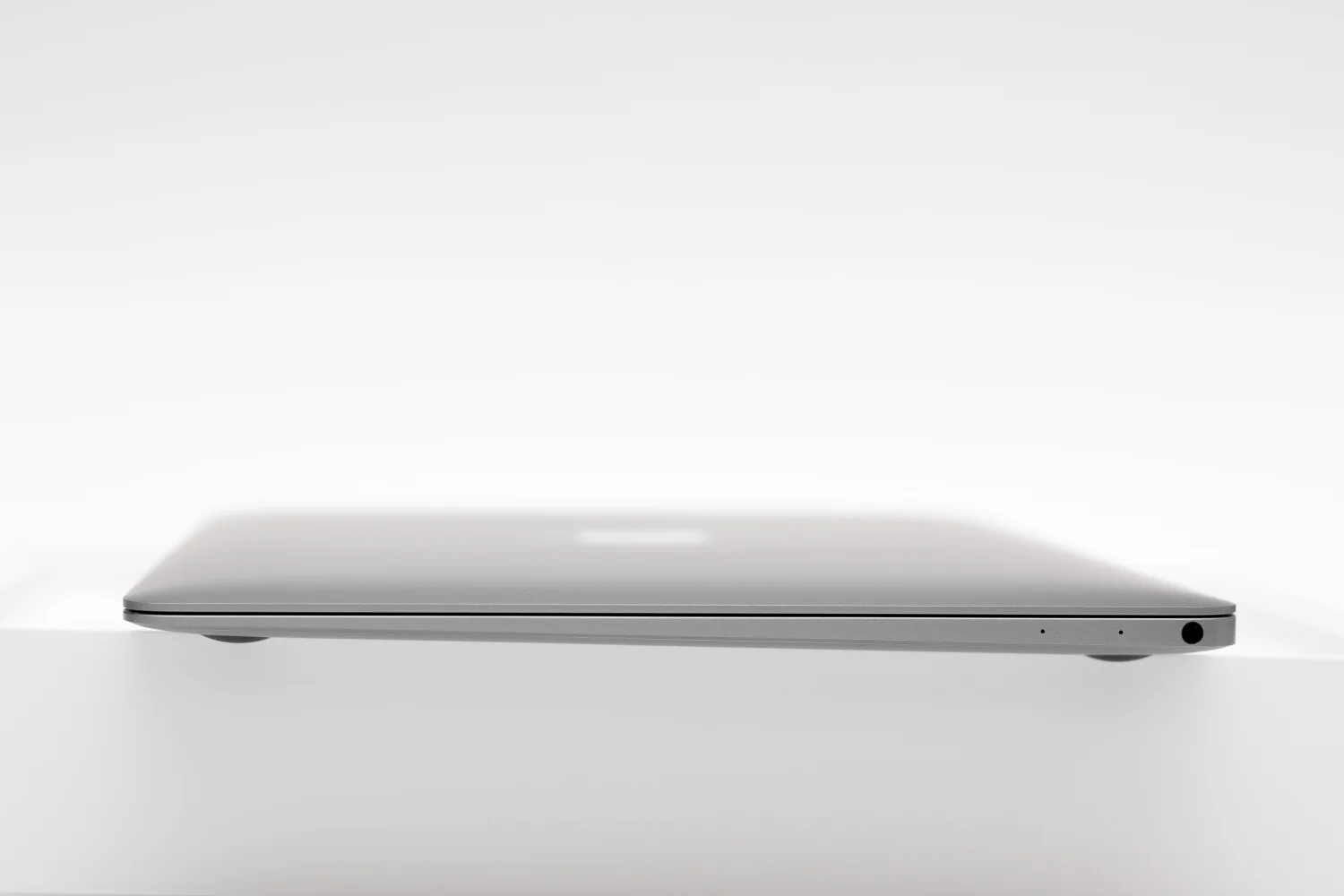
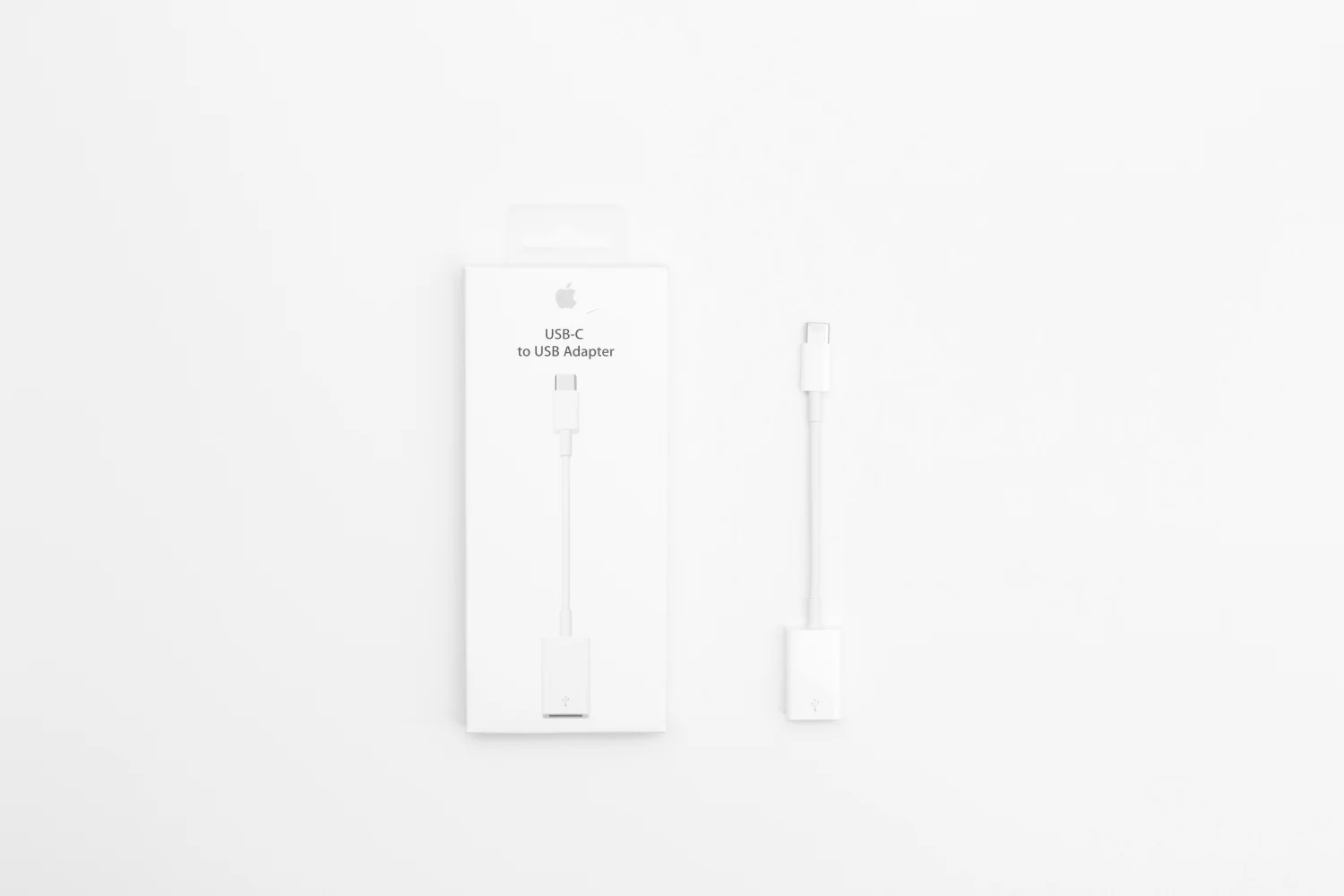
As for the implementation of the single USB-C port, I honestly think it's brilliant. It's a very aggressive kind of progression that I believe is much needed and rather refreshing. And of course, I love all things minimalism. In any given situation, when you're limited in a certain way, it forces you to be resourceful and challenge yourself creatively. It's that idea that draws me very close to the rMB.
That said, I didn't buy the rMB with the intention to run intensive programs or edit photos on the go. I have the iMac where all the important work will be done and stored. And hopefully I maintain the discipline of not working outside my iMac.
I was worried about the performance of the the 1.1ghz processor but so far, I've had no serious issues with lag or with the laptop itself burning up. It's completely silent due to the Intel Core M processor. And the 256 SSD is very nice - programs and files load really fast without any issues. The battery life is currently at 45% with about two and half hours remaining. I'm actually very confident that this laptop will suit my needs just fine.
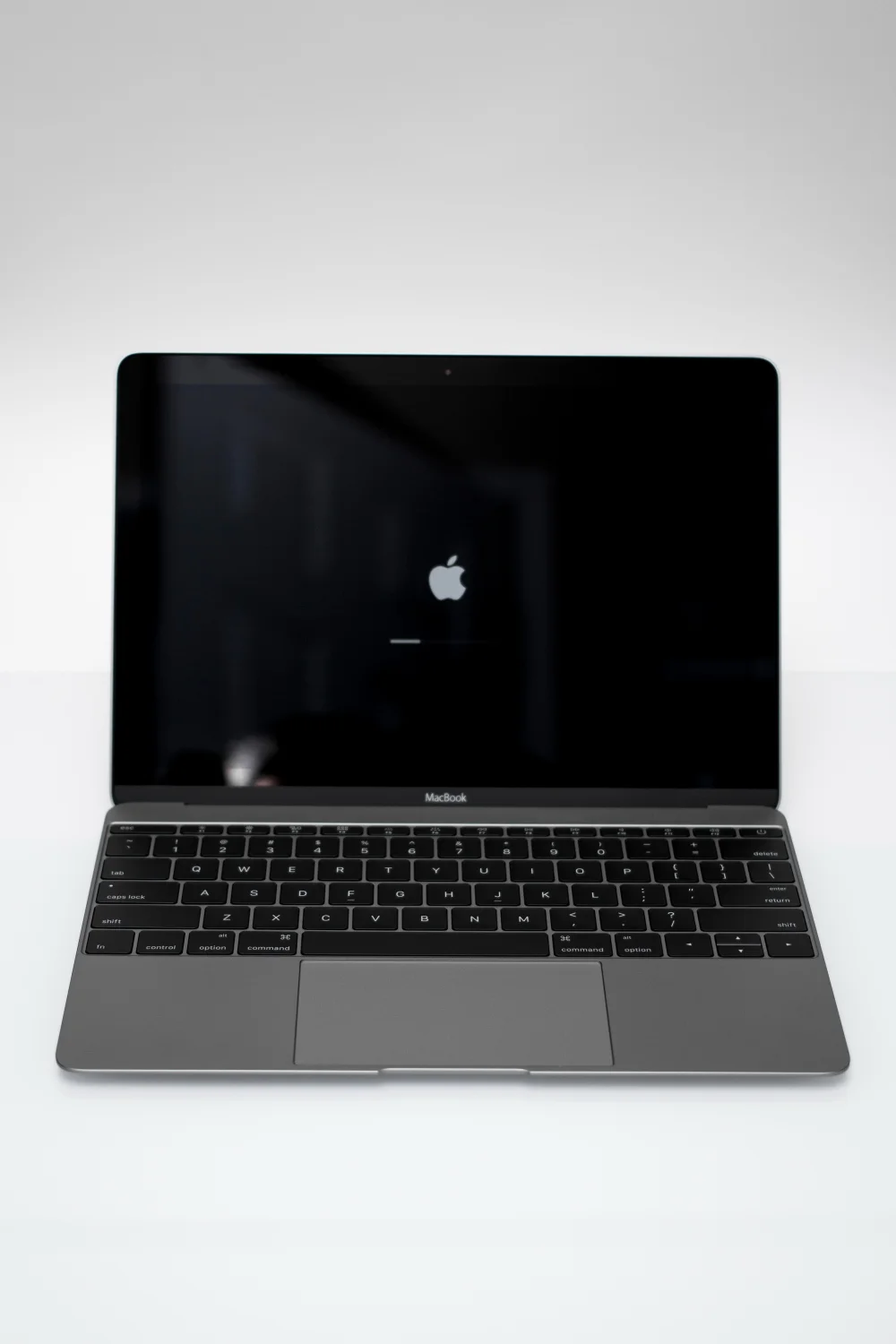
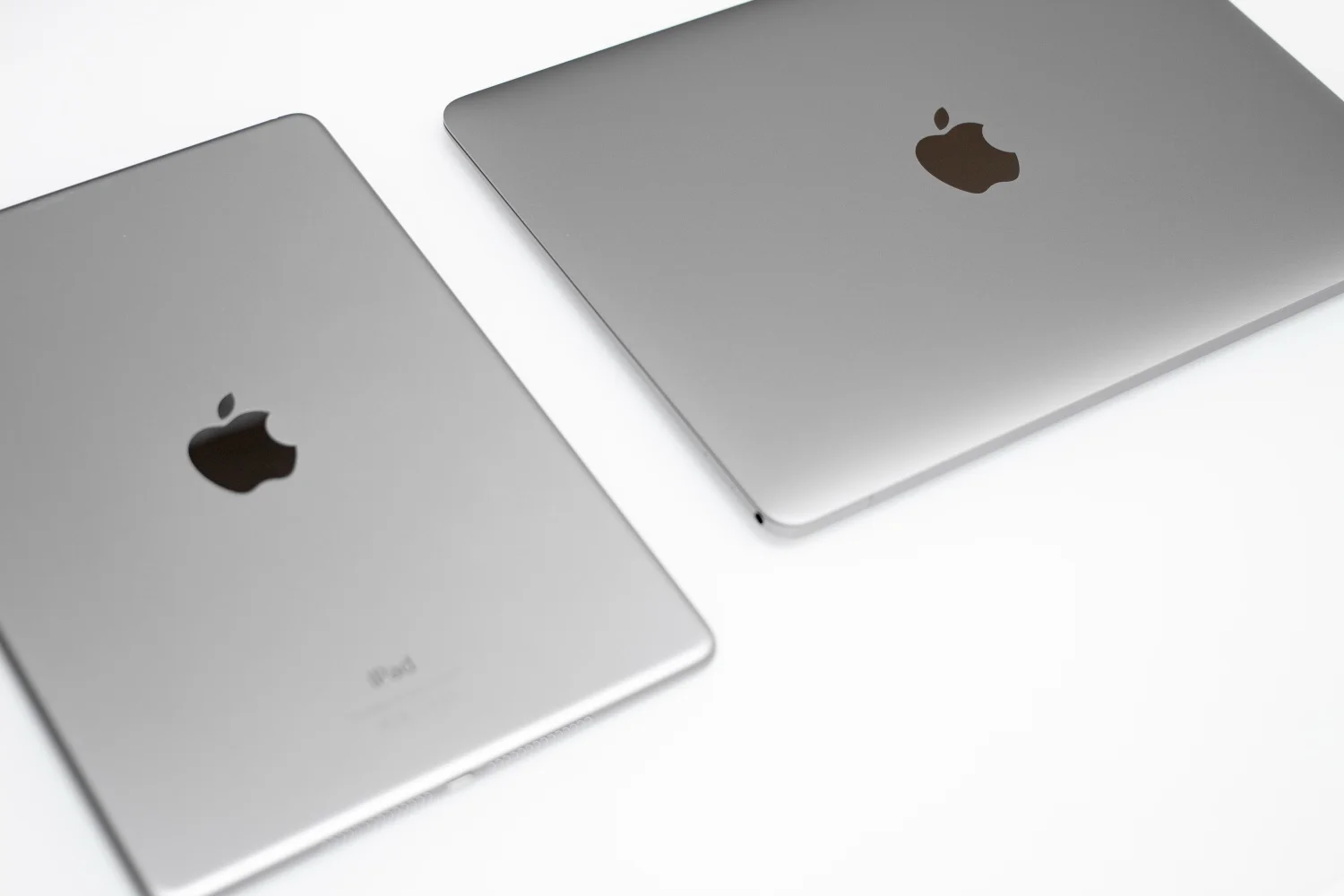
The Space Gray color scheme is gorgeous on this device. It's so nice. It matches my iPad Air 2 very well. I actually wish the MacBook Pros were available in this color. But could you imagine gold MacBook Pros all over Starbucks?
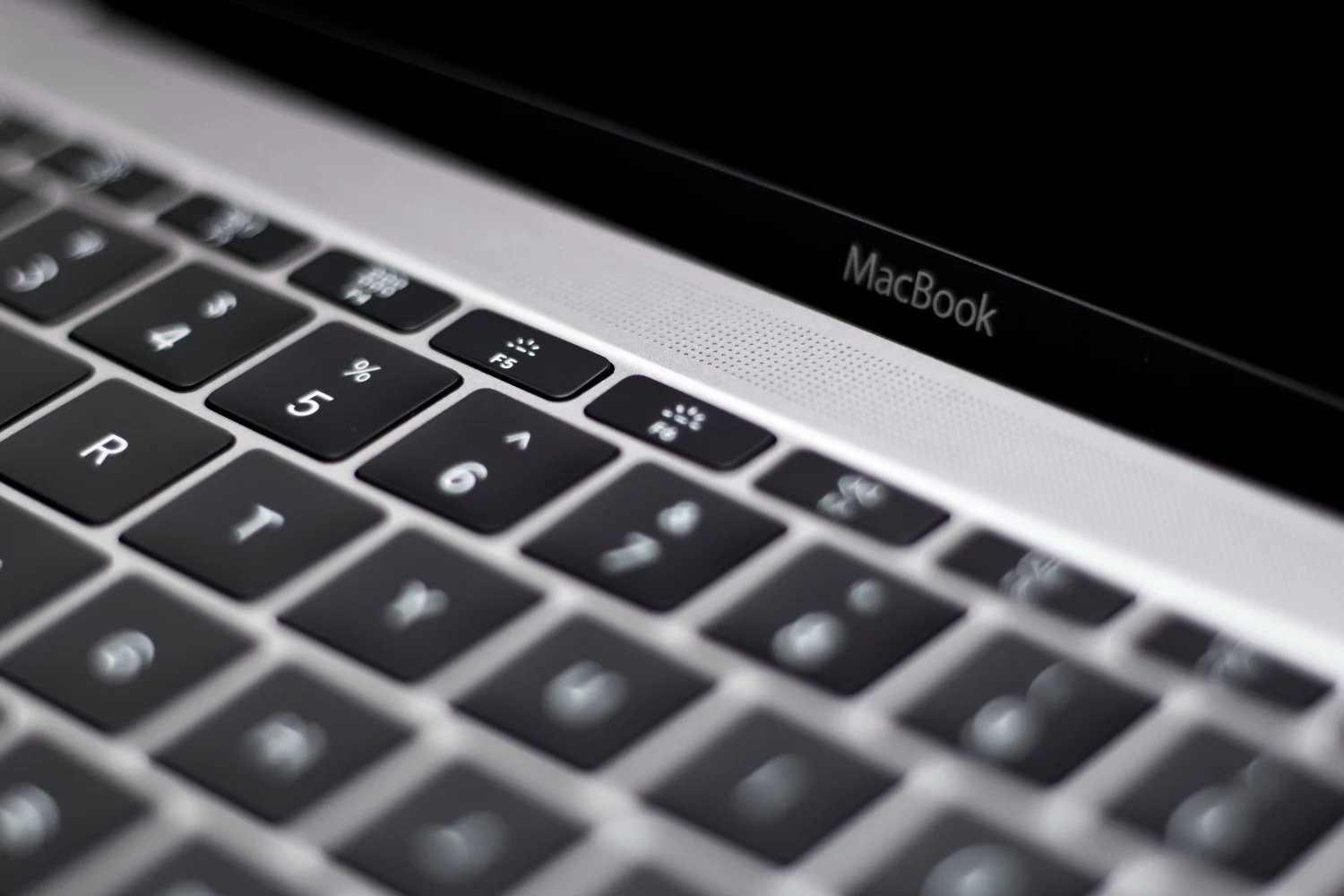
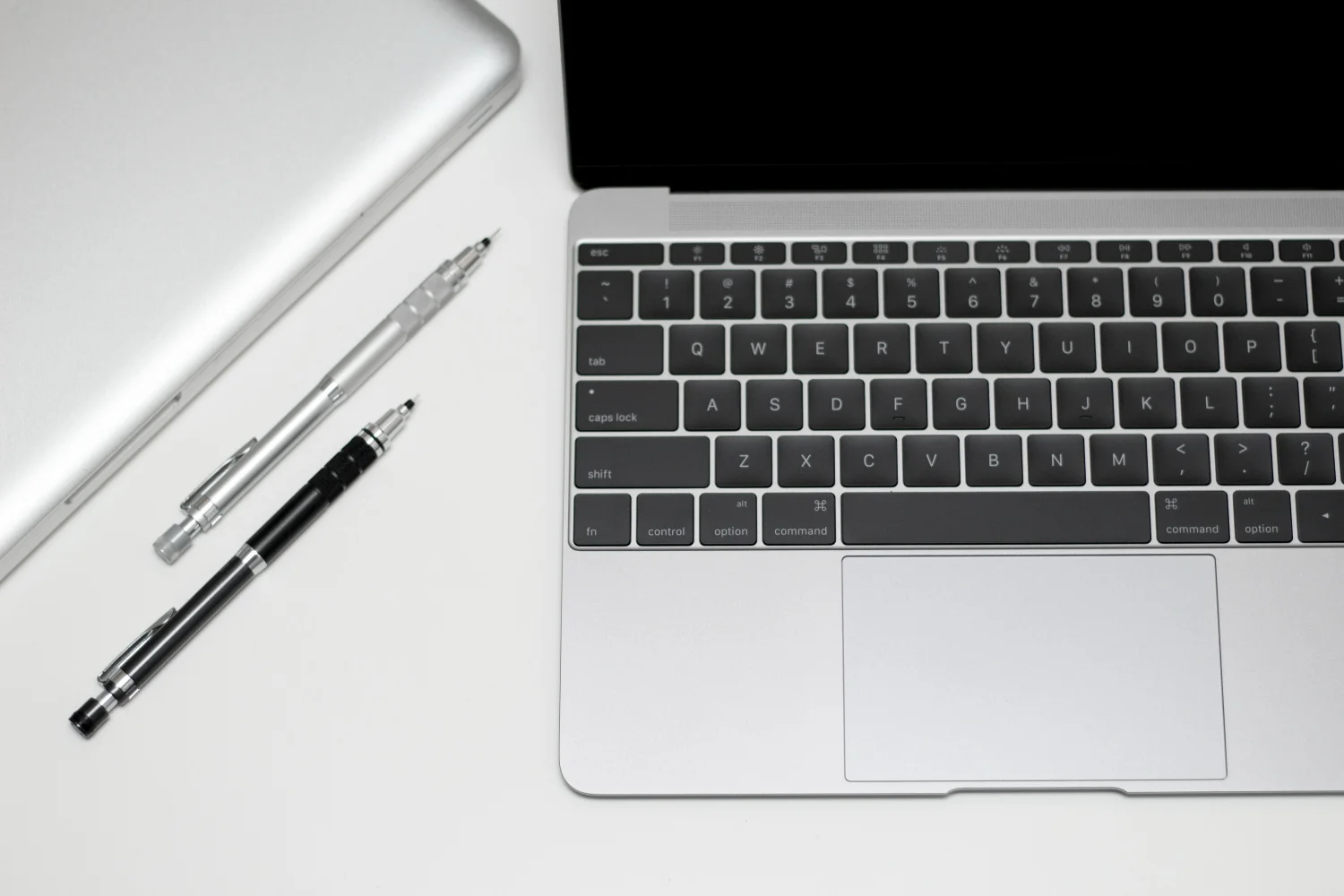
The design is really well done. The dramatic tapered form originally found in the MacBook Air works so well in such a small design. Very sharp. What I love best about the rMB is the black bezel. I was never too fond of the silver bezel of the MacBook Air - it made it look too entry-level for my liking. The screen of the rMB is entirely flush and creates the illusion that it's actually larger than it is. Of course, the screen is already larger than the MacBook Air. The only thing I wish Apple had done was remove the MacBook logo on the screen just like they do on the MacBook Pro. The laptop itself is already minimalism in the most extreme form and they could have taken it just one step further. But that's just my preference.
At first I thought that using the rMB would take a lot of getting used to. It wasn't really. The keyboard is probably one of the most challenging aspects to become familiar with. The keys feel a lot like buttons and when you type quickly, it almost feels like you're actually missing some keys as you type. This is because the keys are a lot shorter and closer together than how that are on the other Apple keyboards. It's not too satisfying. While writing this post, however, I rarely even thought about the keyboard. It definitely feels different but I hardly thought about it as I continued to type.
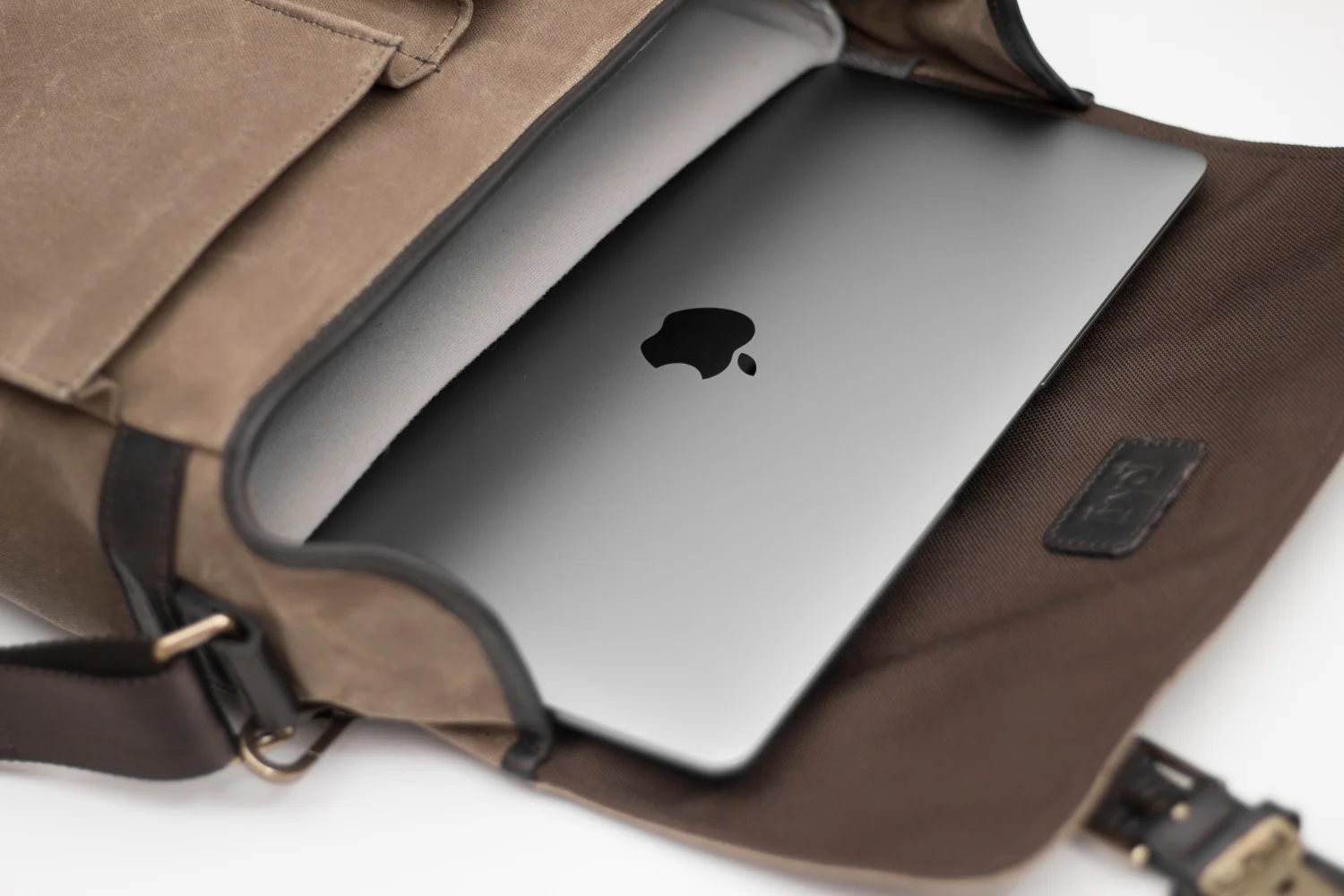
I love that I can carry this around in my Ona Prince Street camera bag. Inside I have my Canon 100D along with three lenses in there and mini tripod and the rMB slips in without any issues.
What I hated about my 15" MacBook Pro (Late 2009) was that it was so heavy and thick. I had to lug it around to class all the time and it killed my back. I debated whether to replace my MacBook Pro with a newer one but I pushed that laptop to its limits - so much so that I burned out the graphics card and the battery won't work unless plugged in. So I opted for an iMac this time around. Having the rMB to supplement it works out just fine for me. I'm not sure if I'll set dedicated roles for the two machines but we'll see.
If you want something portable, stylish, and much more productive than the iPad Air 2, then get the Retina Macbook. You'll compromise a lot of power and usability but you'll have a reliable computer for all your basic needs.
EDIT: I'm using the MacBook right now in Starbucks running Photoshop and writing this blog - THERE HAS BEEN NO LAG. It's been an hour and the battery life only dropped by 7%. Everything is running smoothly and perfectly like what the heck where has this been all my life. I'm really not trying to make this my main working computer but it's definitely capable of being one.